I have been testing Affinity photo, which is being marketed as a viable alternative for Adobe Photoshop by Affinity, a Windows software company looking to enter the Mac marketplace with a suite of products on theApp Store. Affinity Designer is already released (to great reviews) as an Illustrator alternative.
Mike Luce (a great artist IMO) has been trying it out and seems to like it but it lacks at least two features he can’t live without, mainly masks and bitmap vectorization.
With this in mind I started getting into the Affinity Photo beta, and fully expected something well done, but missing a few things I really need to do my work. Since it’s a beta, I also expected bugs, crashes and disabled functionality… all of which its most certainly has. The big surprise has been how well thought out what they have decided to include as features. I use Photoshop for a few different kinds of projects. Retouching and restoration is all I do for months sometimes and this software doesn’t seem to be lacking really any of the tools I want. Not all of them are implemented fully yet but they are there or on the way. The interface, while familiar will take some getting used, like all new software Professional photography is also something I am known to do and the RAW processor is much better than Photoshop’s in my opinion already and it looks like many of the plugins I use will be or are already supported. Some of the features are combinations of several separate features in Photoshop, the puppet tool is rolled into the mech distortion tools for example and I have to say… well done. I also draw on the computer, but not in always Photoshop because it’s brush situation is not up to what I need. Sketchbook Pro, which also recently went subscription (won’t be updating that one now either) has much more realistic pen and ink brushes in particular. Affinity Photo is lacking in this respect as well but they have told me they are working on it which is encouraging.
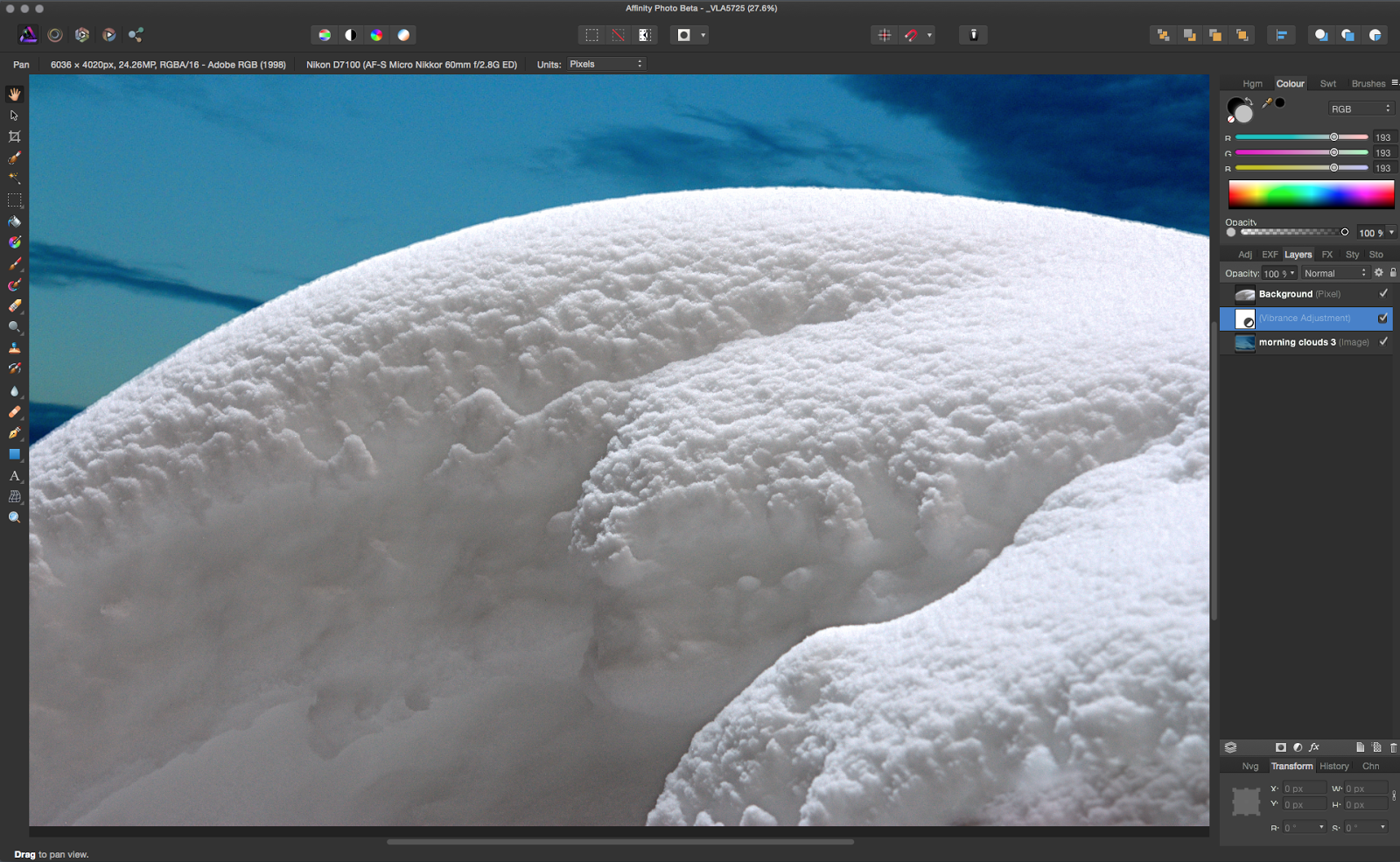
Now there are and have been many « Photoshop killer » apps out there but none seem to make a dent in Adobe’s dominance. wWhy would tis one be any different? Well, for one thing, the timing is right. Face it, Adobe pissed off a lot of users, me included, with their subscription only scheme. Their mac support, in my experience, has declined to insulting over the years. T but the biggest thing might be something they often tout as a selling. The size and scope of the software is ginormous, it has gone far beyond image processing and manipulation and into video, 3d, animation… you name it. It’s a mess of things many people would rather see in separate software, done better. It’s slow to open and hasn’t been re-written in a very, very long time. Affinity has the advantage of being written for 64 bit, the latest OS and being very snappy and modern, ( a nice sprite was my fonts opened immediately - something photoshop takes and eternity to do) it seems to include all the key important features and leaves out the obscure legacy and unwanted crap that has snuck into Photoshop over the years.
It’s likely to be 50$ with a a couple years of free updates included, no subscription and cloud nonsense and is going to be able to be used in unison with not only the released Designer app, but an upcoming Indesign alternative that I am really interested in seeing. If they do a web design and aAfter eEffects alternative I can dump everything from Adobe… providing they come through on the promise shown in these early efforts. Would I dump them?… yes I think I would.


