


I wasn't sure if I would be able to take my end of year trip to provincetown Massachusetts this year. The hotel I usually stay in doubled it rates and going to the states has become more of chore for me lately. However, a friend who has a condo there rents it out and gave me a really kind offer and I was able to stay 5 night for what would have costs me for 2 so I took advantage of that and was able to wander around and take a photos in at least one place I have never been to before. I only spoke to one person I knew while there the entire trip which was very nice for me because I go there for solitude. Provincetown is super active in season but the opposite off season. I was also recovering from my first case of Covid and had (and still have weeks later) a terrible cough. So while being sick while away isn't ideal, it's better to be sick in a place you can do things by yourself and come back to your place and just sleep or do nothing.
(click images to see larger versions)


There are three lighthouses in provincetown, one I photographed in detail last year, one I have never seen and one I kept seeing but could never get to on Race Point. It took three days of walking for hours and a quick cab ride to finally get there. It's not a road and there are no signs telling where it is. I was deposited on a fire road that became dunes and a sort of broken pathway that led to the lighthouse and it's accompanying buildings. Great! Well, mostly great. The one day i could get there was the same day as a snow storm the the photos I took were not exactly what I was looking for but managed a few good ones I hope.


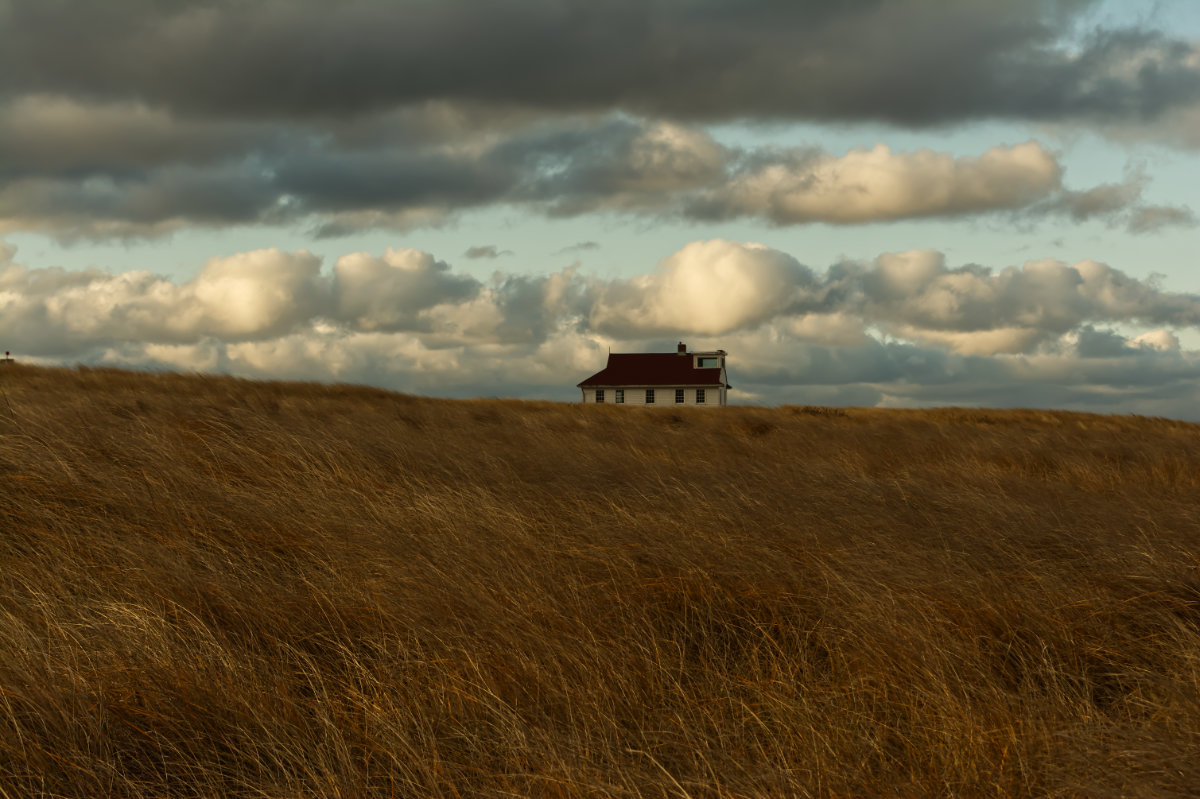


Other excursions took me all over Race Point and while I have taken nice images there before I was able to spend more time wandering all over. There are several structures there I find interesting and the dunes are always beautiful.


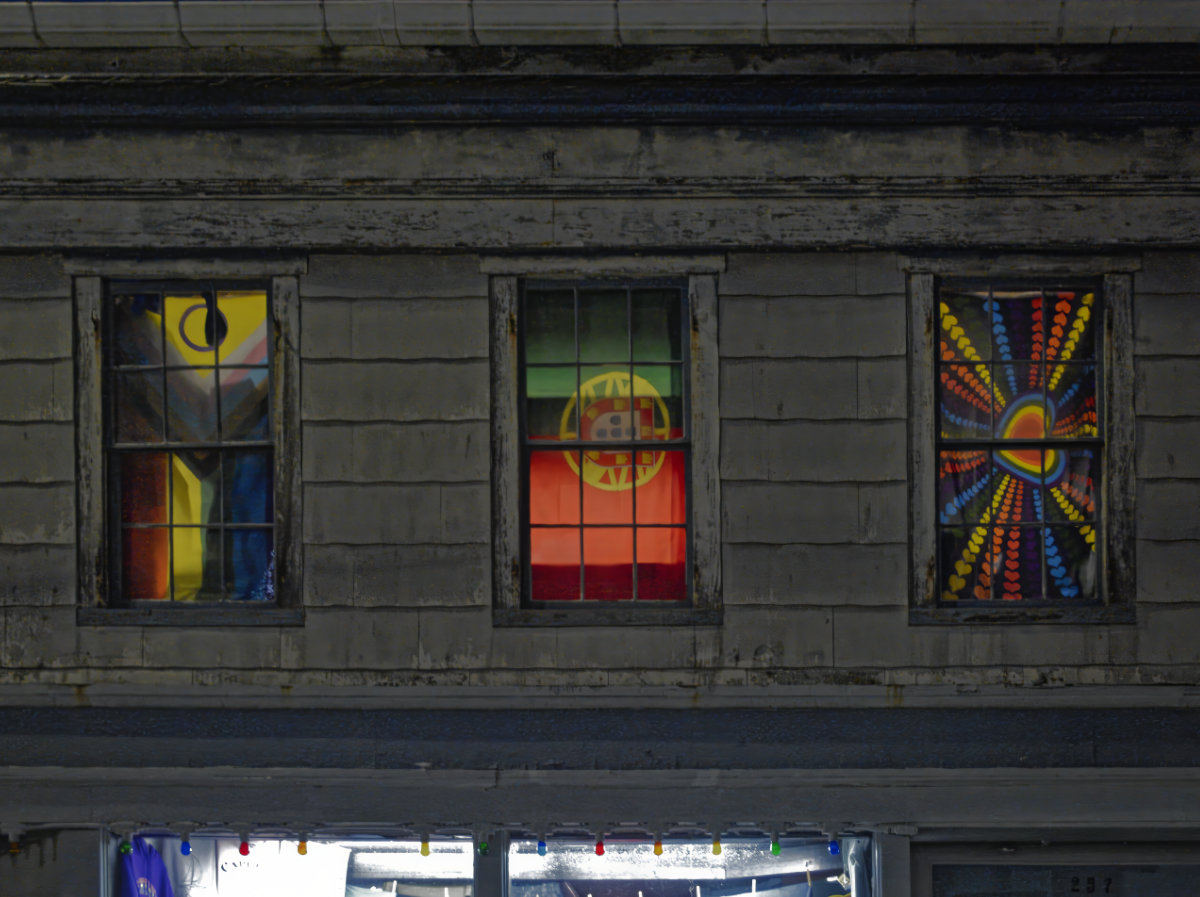


Lastly, I spent some time taking photos on and around commercial street, the main drag through the town in the daytime and also at night to sort of button up the images I have wanted ot take over the years and never got to.

A nice surprise at Parc La Fontaine this morning on an early walk with the dog. It was a little leary but not really scared so I was able to get quite close.
After not being to the farm for 2 ½ years, I was finally able to go back and see my friends and walk around in the great outdoors. The alpacas still let me pet them which was nice and I was able to take some photos at the farmstead and at the river across the street.


Topaz Studios has enjoyed an expanding reputation for well done innovative plugins over the years, often being ahead of the game particularly when it comes to the new Artificial Intelligence plugins.


Denoising is now standard is many image editors but Denoiser AI is a step up from most of them, while suffering from the same setbacks that I don't think you can really get around. Some images are just too much for any software, AI or not, to just make up large areas of ambiguous pixels. Overall the images can be greatly improved and if the problem is just grain from lower light but otherwise detailed images it does an amazing job. One thing I found was if you have already demised the image somewhere else, this plugin can't do much more with it. This makes sense as the image has been "smoothed out" so the grain has already been removed so there is little left to read. DXO Photolab has the best denoiser I have seen but it only works on RAW files while Topaz plugins work on any number of formats.


Another issue was integration with Affinity Photo. It can do it... but not if you bought the app from the Apple App Store. This is a problem with other plugins as well and the reason when Affinity goes to Version 2.0 and charges for updates I'll buy directly from them. I find the Apple Store updates lag behind the ones directly from Affinity by up to a couple days as well. Luckily, the Topaz Plugins also work as independent applications
4x enlargement with original for scale.


